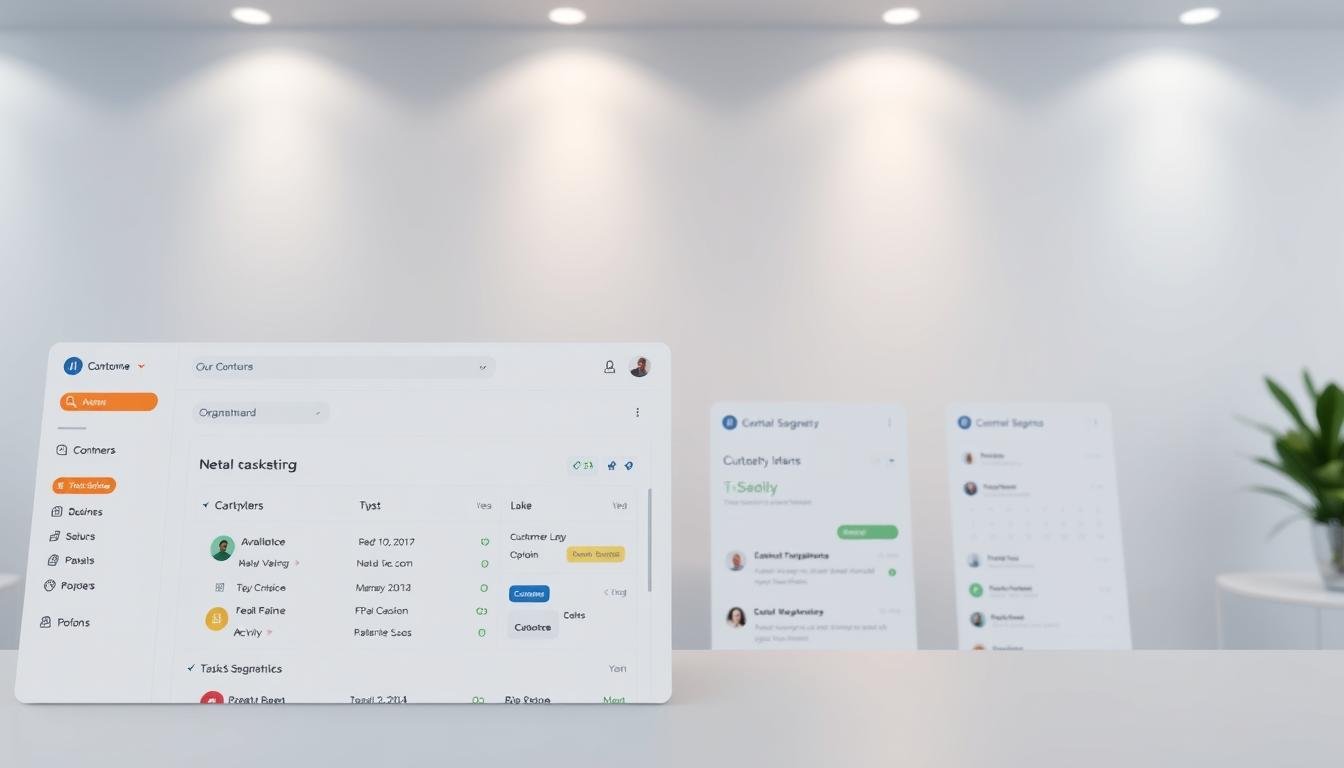
As your business grows, managing customer relationships becomes increasingly complex. A Customer Relationship Management system, or CRM, is designed to help you manage, streamline, and scale your interactions with customers and prospects. Unlike spreadsheets, which rely on manual data entry and are often error-prone, a CRM system provides a single source of truth for all customer data.
By implementing a CRM, you can unify customer profiles, automate email campaigns, and access real-time reporting and analytics. This enables your team to see every customer interaction, from emails to chatbot conversations, and make data-driven decisions. To learn more about the benefits of CRM over spreadsheets, check out our detailed comparison on why CRM is better than spreadsheets for small.
Key Takeaways
- CRM systems unify customer profiles and interactions.
- Automation of email campaigns is possible with CRM.
- Real-time reporting and analytics enhance decision-making.
- CRM provides a single source of truth for customer data.
- Multi-user access is supported without compromising system integrity.
Understanding What is CRM for Small Business
A CRM system is more than just a tool; it’s a strategic asset for small businesses aiming to build lasting customer relationships. By centralizing customer data and interactions, CRM software for small businesses enables companies to provide personalized experiences, streamline sales processes, and foster growth.
Definition and Core Functions of CRM Systems
At its core, a CRM system is designed to manage customer interactions across multiple touchpoints. CRM systems offer a range of functionalities that help small businesses organize, automate, and synchronize sales, marketing, and customer service efforts.
Customer Data Management Capabilities
One of the primary benefits of CRM for small businesses is its ability to consolidate customer data into a single, accessible platform. This allows businesses to track customer interactions, preferences, and history, providing a comprehensive view of their customer base. Effective customer data management is crucial for delivering targeted marketing campaigns and improving customer satisfaction.
CRM systems also include tools for tracking and nurturing customer relationships. By monitoring interactions and analyzing customer behavior, businesses can identify opportunities to upsell or cross-sell, enhancing their sales strategies. Moreover, CRM software for small businesses often includes features for automating follow-ups and personalizing customer communications, which are key to building strong, lasting relationships.
By leveraging these capabilities, small businesses can reap the benefits of CRM for small business, including improved customer retention, enhanced sales performance, and more informed decision-making.
The Evolution of Customer Relationship Management
Customer Relationship Management (CRM) has evolved dramatically, from simple manual systems to sophisticated digital solutions. The way businesses manage customer relationships has undergone a significant transformation over the years, driven by technological advancements and changing customer expectations.
From Rolodex to Digital Revolution
The traditional Rolodex, once a staple for managing customer contacts, has given way to digital CRM systems. This shift has enabled businesses to store, manage, and analyze customer data more efficiently. Modern CRM solutions offer a range of tools and features that help businesses streamline their sales, marketing, and customer service processes.

Why Modern Businesses Need Modern Solutions
In today’s fast-paced business environment, companies need CRM solutions that can keep up with their growth and complexity. Modern CRM systems provide businesses with the agility and insights they need to stay competitive. As noted by a CRM expert, “The right CRM solution can help businesses build stronger relationships with their customers, improve customer satisfaction, and drive revenue growth.”
| CRM Feature | Benefit |
|---|---|
| Contact Management | Centralized customer data |
| Sales Pipeline Tracking | Improved sales forecasting |
| Reporting and Analytics | Data-driven decision making |
By adopting modern CRM solutions, small businesses can reap significant benefits, including improved customer experience, enhanced team collaboration, and data-driven decision making. As the business landscape continues to evolve, it’s clear that CRM solutions for small businesses will play a critical role in driving growth and success.
The Limitations of Spreadsheets for Customer Management
As small businesses grow, the limitations of using spreadsheets for customer management become increasingly apparent. Spreadsheets are prone to errors, difficult to collaborate on, and become increasingly complex as businesses expand their customer base.
Data Integrity and Version Control Issues
Spreadsheets are susceptible to data integrity issues, such as duplicate entries, incorrect formatting, and version control problems. When multiple users access and update a spreadsheet, it can lead to confusion and errors, compromising the accuracy of customer data. Using CRM tools for small business can mitigate these issues by providing a centralized, accurate, and up-to-date customer database.
Collaboration Challenges with Spreadsheets
Collaboration is a significant challenge when using spreadsheets for customer management. Multiple users may struggle to access, update, and track changes in a shared spreadsheet, leading to confusion and miscommunication. Effective CRM solutions enable teams to collaborate seamlessly, ensuring that all stakeholders have access to the same customer information.
Scalability Problems as Your Business Grows
As small businesses grow, their customer management needs become more complex. Spreadsheets can become cumbersome and difficult to manage, making it challenging to scale customer management processes. By adopting CRM tools for small business, companies can scale their customer management capabilities, supporting continued growth and expansion.
In conclusion, while spreadsheets may be sufficient for small businesses with simple customer management needs, they are ultimately limited in their ability to support growth and complexity. By understanding these limitations, small businesses can make informed decisions about transitioning to more robust CRM solutions, ultimately enhancing their customer relationships and driving business success.
Key Benefits of CRM for Small Business Growth
CRM systems offer a multitude of benefits for small businesses, including the potential to improve customer retention, enhance team collaboration, and drive data-driven decision-making.
Improved Customer Experience and Retention
A CRM system helps small businesses to better understand their customers’ needs and preferences, enabling them to provide personalized experiences that foster loyalty and retention.
By leveraging customer data, businesses can tailor their marketing efforts, improve customer service, and create targeted promotions that resonate with their audience.
Enhanced Team Collaboration and Communication
CRM solutions facilitate better communication and collaboration among team members by providing a centralized platform for customer information and interaction history.
This ensures that all team members are on the same page, reducing misunderstandings and improving overall efficiency.
Data-Driven Decision Making Capabilities
With a CRM, small businesses can make informed decisions based on accurate and up-to-date data.
Sales Forecasting and Trend Analysis
CRM systems enable businesses to analyze sales trends and forecast future sales performance, helping them to identify opportunities and challenges.
Customer Behavior Insights
By analyzing customer behavior, businesses can gain valuable insights into their customers’ preferences and purchasing patterns, allowing them to develop targeted marketing strategies.
| CRM Benefits | Description | Impact on Business |
|---|---|---|
| Improved Customer Experience | Personalized customer interactions | Increased customer loyalty and retention |
| Enhanced Team Collaboration | Centralized customer information | Improved efficiency and reduced errors |
| Data-Driven Decision Making | Accurate sales forecasting and customer insights | Better strategic decisions and improved sales performance |
Essential CRM Features Small Businesses Should Look For
When it comes to selecting a CRM for your small business, there are several key features to look out for. A comprehensive CRM system can help streamline your sales, marketing, and customer service processes, leading to improved customer satisfaction and increased revenue.
Contact and Lead Management Tools
Effective contact and lead management tools are crucial for any CRM system. These tools enable you to store and manage contact information, track interactions, and analyze lead behavior. With the right CRM, you can segment your contacts based on various criteria, such as location, industry, or job title, to create targeted marketing campaigns.
Sales Pipeline and Opportunity Tracking
A robust CRM should include sales pipeline and opportunity tracking features. These features allow you to visualize your sales process, track the progress of leads, and identify potential roadblocks. By having a clear understanding of your sales pipeline, you can make informed decisions to optimize your sales strategy.
Reporting and Analytics Capabilities
Reporting and analytics capabilities are vital for measuring the performance of your CRM and making data-driven decisions. A good CRM should provide customizable reports and dashboards to help you track key metrics, such as sales performance, customer satisfaction, and marketing effectiveness.
To illustrate the importance of these features, consider the following comparison table:
| Feature | Basic CRM | Advanced CRM |
|---|---|---|
| Contact Management | Limited fields | Customizable fields |
| Sales Pipeline Tracking | Simple pipeline view | Advanced pipeline analytics |
| Reporting and Analytics | Basic reporting | Customizable dashboards |
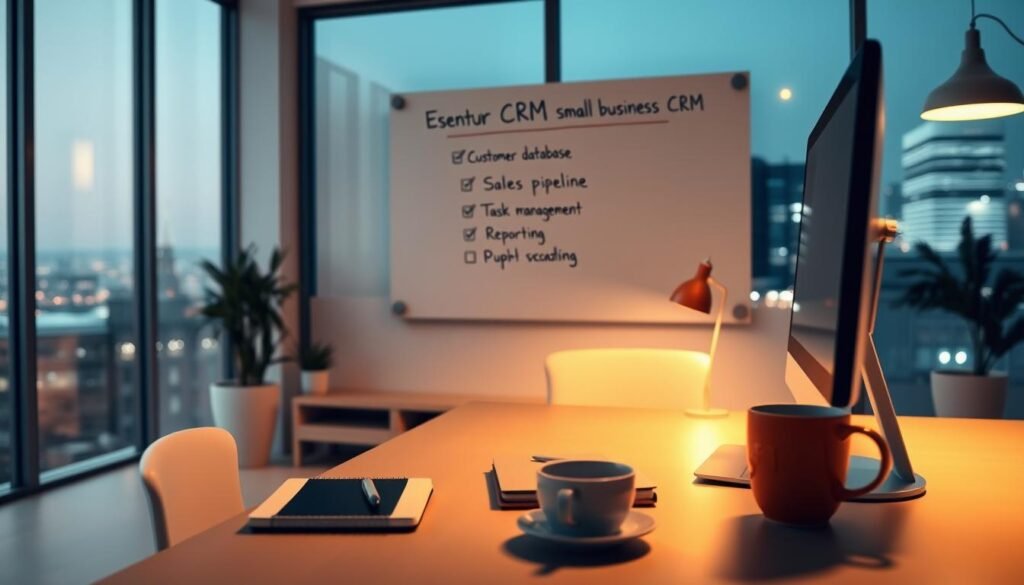
By choosing a CRM with these essential features, small businesses can improve their customer relationships, streamline their sales processes, and drive growth.
Types of CRM Solutions Available to Small Businesses
Small businesses have a variety of CRM solutions to choose from, each with its unique benefits. The right CRM can significantly enhance customer relationships, streamline sales processes, and improve overall business efficiency.
Cloud-Based vs. On-Premise CRM Options
One of the primary decisions small businesses face when selecting a CRM is whether to opt for a cloud-based or on-premise solution. Cloud-based CRM solutions, such as those offered by Salesforce, provide flexibility and scalability, allowing businesses to access their CRM from anywhere and at any time. On the other hand, on-premise CRM solutions offer more control over data security and customization.
A comparison of these two options can be seen in the following table:
| Feature | Cloud-Based CRM | On-Premise CRM |
|---|---|---|
| Accessibility | Accessible from anywhere | Limited to on-site access |
| Scalability | Highly scalable | Limited by hardware capabilities |
| Cost | Subscription-based | High upfront costs |
Industry-Specific vs. General CRM Solutions
Another consideration for small businesses is whether to choose an industry-specific CRM or a general CRM solution. Industry-specific CRMs are tailored to meet the unique needs of a particular sector, offering features that are relevant to that industry. General CRM solutions, while more versatile, may require additional customization to meet specific business needs.
As noted by CRM experts, “The best CRM for small business is one that aligns with their specific industry requirements and business goals.” Choosing the right CRM involves understanding the unique needs of your business and selecting a solution that meets those needs.
Top CRM Software Options for Small Businesses
In today’s competitive market, small businesses need effective CRM solutions to manage customer interactions and drive growth. With numerous options available, choosing the right CRM can be challenging. Small businesses must consider factors such as budget, scalability, and integration capabilities when selecting a CRM.
Budget-Friendly CRM Solutions
For small businesses with limited budgets, there are several affordable CRM options. These solutions offer essential features at a lower cost, making them ideal for startups and small enterprises.
Free and Low-Cost CRM Platforms
Some CRM providers offer free or low-cost plans, including:
- HubSpot CRM: Offers a free version with basic features.
- Zoho CRM: Provides a free plan with optional upgrades.
- Freshsales: Offers a free plan with limited features.
These platforms are great for businesses just starting out or those with limited budgets.
Pricing Models and Considerations
When evaluating CRM pricing models, consider the following:
- Per-user costs.
- Feature-based pricing.
- Scalability and upgrade options.
Understanding these factors helps businesses choose a CRM that fits their budget and growth plans.
Feature-Rich CRM Platforms for Growing Companies
As businesses grow, they require more advanced CRM features to manage complex customer relationships and sales processes.
Scalable Solutions for Business Expansion
CRM solutions like Salesforce and Microsoft Dynamics 365 offer scalable features that grow with the business. These platforms provide advanced sales, marketing, and customer service tools.
Integration Capabilities with Other Business Tools
A key feature of robust CRM systems is their ability to integrate with other business applications, such as:
- Email marketing software.
- Customer service platforms.
- Accounting software.
Seamless integration enhances workflow efficiency and data consistency across different departments.
Transitioning from Spreadsheets to CRM: A Practical Guide
Spreadsheets have long been the go-to tool for small businesses to manage customer data, but they have limitations that a CRM system can address. For small businesses looking to upgrade their customer management processes, transitioning from spreadsheets to a CRM is a crucial step.
Auditing Your Current Data Management Process
The first step in transitioning to a CRM is to audit your current data management process. This involves reviewing how you currently store and manage customer data, identifying any inefficiencies or pain points, and determining what features you need in a CRM. By understanding your current processes, you can better select a CRM that meets your needs.
Creating a Transition Timeline and Strategy
Once you have audited your current data management process, the next step is to create a transition timeline and strategy. This includes setting realistic milestones for the transition, identifying the resources you’ll need, and planning for any necessary training or support. A well-planned strategy will help ensure a smooth transition to your new CRM.
Managing Team Expectations and Resistance
Managing team expectations and resistance is crucial when implementing a new CRM. It’s essential to communicate the benefits of the CRM to your team, provide comprehensive training, and be available to address any concerns or questions they may have. By doing so, you can increase adoption rates and ensure that your team is able to effectively use the new system.
Transitioning to a CRM can seem daunting, but with careful planning and execution, it can be a game-changer for small businesses. By understanding the process and being prepared, you can make the most of your CRM investment and improve your customer relationship management.
How to Successfully Implement a CRM in Your Small Business
Implementing a CRM system is a crucial step for small businesses looking to enhance customer relationships and streamline operations. A successful implementation requires careful planning, precise data migration, and comprehensive team training.
Planning Your CRM Implementation Strategy
To implement CRM software for small business effectively, start by defining your goals and identifying the key stakeholders. Assess your current data management processes and determine how a CRM can address your specific needs. Develop a detailed implementation plan, including timelines and milestones.
Data Migration Best Practices
Data migration is a critical step in CRM implementation. Begin by auditing your existing data to ensure it’s accurate and up-to-date. Map your data fields to the new CRM system, and consider using data migration tools to streamline the process. Testing the migrated data for integrity and completeness is also essential.
Training Your Team for Maximum Adoption
Training is vital for the successful adoption of CRM software. Provide role-specific training to ensure that each team member understands how to use the CRM to perform their tasks efficiently. Ongoing education and support are also crucial to address any questions or issues that arise post-implementation.
Role-Specific Training Approaches
Tailor your training to different roles within your organization. For sales teams, focus on lead management and sales pipeline tracking. For customer service teams, emphasize contact management and issue resolution processes.
Ongoing Education and Support
Establish a support system to help your team overcome any challenges they encounter while using the CRM. Regularly update your team on new features and best practices to maximize the benefits of CRM for small business.
| CRM Implementation Steps | Description | Benefits |
|---|---|---|
| Planning | Define goals and identify stakeholders | Clear direction and expectations |
| Data Migration | Audit and map data to the new CRM | Accurate and accessible data |
| Training | Role-specific training and ongoing support | High adoption rates and user satisfaction |
By following these steps and leveraging the right CRM software, small businesses can enjoy improved customer relationships, enhanced team collaboration, and data-driven decision-making capabilities.
Measuring ROI: How to Know Your CRM is Working
To understand the effectiveness of a CRM, businesses must focus on measuring its return on investment (ROI). This involves tracking key performance indicators that reflect the impact of the CRM on business operations. As noted by CRM experts, “Measuring the ROI of your CRM system is crucial to understanding its effectiveness and making data-driven decisions” https://www.omnitas.com/how-to-measure-the-roi-of-your-crm-system/.
Key Performance Indicators to Track
To measure the ROI of a CRM, businesses should track key performance indicators such as sales growth, customer retention, and sales pipeline conversion rates. These metrics provide insights into how the CRM is influencing sales performance and customer relationships.
- Sales growth: Monitor the increase in sales revenue after implementing the CRM.
- Customer retention: Track the percentage of customers retained over a specific period.
- Sales pipeline conversion rates: Analyze the percentage of leads that convert into sales.
By focusing on these KPIs, businesses can gain a clear understanding of their CRM’s effectiveness.
Timeframe for Seeing Results from CRM Implementation
The timeframe for seeing results from CRM implementation can vary depending on factors such as the size of the business, the complexity of the CRM system, and the level of user adoption. Generally, businesses can expect to see initial results within a few months of implementation.
“It’s essential to be patient and allow sufficient time for the CRM to mature and for users to become proficient in its use.” Initial results may include improved data organization and enhanced sales tracking capabilities. Over time, as users become more comfortable with the system, more significant benefits such as increased sales and improved customer satisfaction will emerge.
Conclusion: Embracing CRM as a Small Business Growth Engine
Small businesses can drive growth, improve customer relationships, and increase sales performance by adopting CRM tools for small business. A CRM system helps centralize customer data, automate routine tasks, and personalize communication, leading to enhanced customer experiences and retention.
By understanding why use crm for small business, companies can make informed decisions to drive success. With a CRM, businesses can streamline sales processes, improve lead management, and gain valuable insights into customer behavior.
Embracing CRM is crucial for small businesses to stay competitive in today’s market. By leveraging CRM tools, businesses can automate mundane tasks, focus on high-value activities, and ultimately drive growth and success.
Leave a Reply