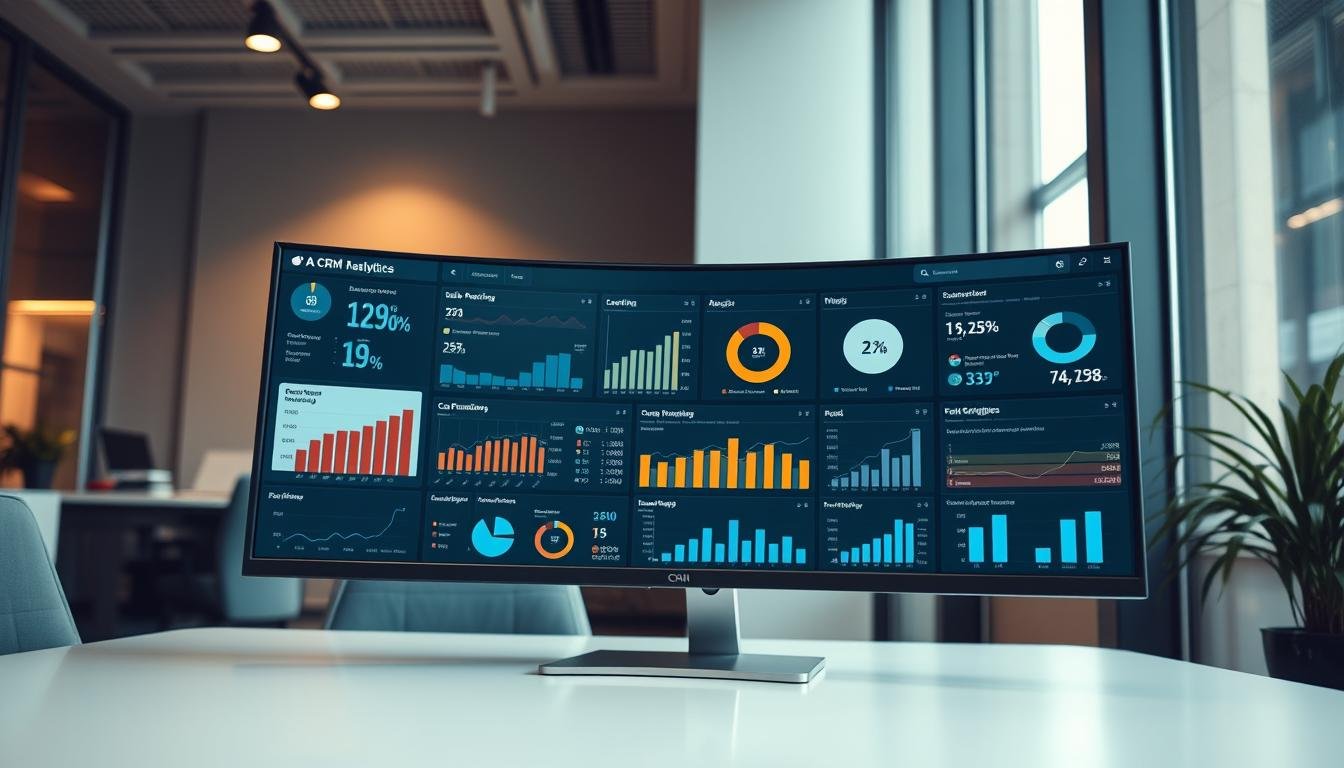
In today’s competitive business landscape, making informed decisions is crucial for driving sales and revenue growth. With the vast amount of customer data available, businesses need a way to turn this data into actionable insights.
Effective sales strategies rely on understanding customer behavior and preferences. This is where data visualization tools and business intelligence software come into play, enabling businesses to gain a deeper understanding of their customers.
By leveraging crm analytics dashboards, businesses can unlock the full potential of their customer data, predicting outcomes and getting recommendations to close more deals.
Key Takeaways
- CRM analytics provides AI-powered insights to enhance sales processes.
- Data visualization tools help businesses understand customer behavior.
- Business intelligence software drives informed decision-making.
- CRM analytics dashboards predict outcomes and provide recommendations.
- Effective sales strategies rely on understanding customer preferences.
What Are CRM Analytics Dashboards?
CRM analytics dashboards are powerful tools that help businesses analyze customer data and make informed decisions. These interactive collections of widgets display query results from data, providing a multifaceted story about a business from different angles.
By leveraging CRM analytics dashboards, businesses can gain a deeper understanding of their customers and improve their overall sales performance. These dashboards invite users to dig deeper into the underlying data, enabling them to uncover valuable insights that inform their sales strategies.
Definition and Purpose
A CRM analytics dashboard is designed to provide a centralized platform for analyzing customer data. It serves as a marketing metrics dashboard, offering real-time insights into customer interactions, sales performance, and market trends.
The primary purpose of a CRM analytics dashboard is to facilitate customer data analysis, enabling businesses to track key performance indicators (KPIs) and make data-driven decisions. By doing so, businesses can optimize their sales processes, improve customer engagement, and drive revenue growth.
Importance in Sales Strategy
CRM analytics dashboards play a crucial role in sales strategy by providing businesses with the insights they need to succeed. With real-time reporting, businesses can respond quickly to changes in the market, capitalize on new opportunities, and stay ahead of the competition.
Some key benefits of using CRM analytics dashboards in sales strategy include:
- Enhanced data visualization
- Improved decision-making
- Increased sales efficiency
By incorporating CRM analytics dashboards into their sales strategy, businesses can gain a competitive edge and achieve their revenue goals. As noted by industry experts, “the right data, at the right time, can make all the difference in closing more deals.”
“The future of sales is all about being more intelligent, more efficient, and more customer-centric. CRM analytics dashboards are a key part of this future.”
Key Features of Effective Dashboards
To maximize the potential of CRM analytics, it’s essential to understand the key features that make a dashboard effective. Effective CRM analytics dashboards are designed to provide businesses with the insights they need to drive sales and improve customer relationships.
Customization Options
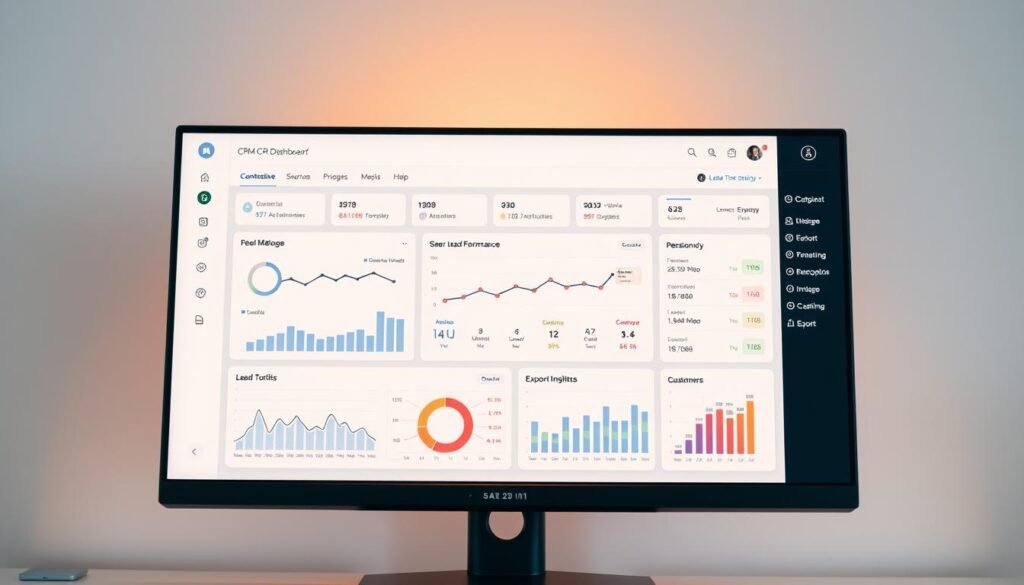
One of the critical features of an effective CRM analytics dashboard is its ability to offer customization options. This allows users to tailor the dashboard to their specific business needs, focusing on the metrics that matter most to their sales strategy. For instance, a sales manager might customize the dashboard to track sales performance across different regions, while a marketing manager might focus on lead generation statistics. As noted in a recent article on CRM dashboards best practices, customization is key to ensuring that the dashboard meets the unique needs of the business.
Customization can include selecting specific data visualizations, such as charts or tables, and setting up alerts for particular thresholds. This flexibility enables teams to work more efficiently, as they are not overwhelmed with irrelevant data.
Real-Time Data Updates
Another vital feature is the ability to provide real-time data updates. This ensures that users have access to the most current information, enabling them to make timely decisions. Real-time data is particularly crucial in fast-paced sales environments where conditions can change rapidly.
For example, a sales team can track the performance of ongoing campaigns and adjust their strategies accordingly. This capability is essential for staying competitive and maximizing sales opportunities.
| Feature | Description | Benefit |
|---|---|---|
| Customization | Tailor the dashboard to specific business needs | Improved focus on key metrics |
| Real-Time Updates | Access to current data | Timely decision-making |
| User-Friendly Interface | Easy navigation and understanding of data | Increased productivity |
User-Friendly Interface
A user-friendly interface is also a hallmark of an effective CRM analytics dashboard. The interface should be intuitive, making it easy for users to navigate and understand the data presented. This includes clear labeling, concise data visualizations, and minimal clutter.
By ensuring that the dashboard is easy to use, businesses can increase user adoption rates and reduce the need for extensive training. This, in turn, can lead to improved productivity and better decision-making across the organization.
Benefits of Using CRM Analytics Dashboards
CRM analytics dashboards offer a plethora of benefits, transforming how businesses interact with customers and manage sales. By providing a centralized platform for data analysis, these dashboards enable businesses to make informed decisions and drive sales efficiency.
Enhanced Data Visualization
One of the key benefits of CRM analytics dashboards is their ability to enhance data visualization. By presenting complex data in a visually appealing format, businesses can quickly grasp customer behavior and sales trends. CRM analytics dashboards provide interactive and customizable visualizations, allowing users to drill down into specific data points and gain deeper insights.
For instance, a sales manager can use a dashboard to visualize sales performance across different regions, identifying areas that require more attention. This data visualization capability not only simplifies complex data but also facilitates more effective decision-making.
Improved Decision-Making
CRM analytics dashboards also significantly improve decision-making processes within organizations. By providing real-time data and insights, these dashboards enable businesses to respond promptly to changes in customer behavior and market trends. With accurate and up-to-date information, sales teams can make informed decisions that drive business growth.
| Decision-Making Aspect | Without CRM Dashboards | With CRM Dashboards |
|---|---|---|
| Data Accuracy | Limited by manual data collection | Enhanced by real-time data updates |
| Response Time | Delayed due to data processing time | Improved with instant data availability |
| Decision Quality | Influenced by intuition and limited data | Based on comprehensive and accurate data |
Increased Sales Efficiency
Finally, CRM analytics dashboards contribute to increased sales efficiency by streamlining sales processes and providing valuable insights into customer interactions. Sales teams can use these dashboards to track performance metrics, identify bottlenecks, and optimize their sales strategies accordingly.
By leveraging the benefits of CRM analytics dashboards, businesses can enhance their sales efficiency, drive revenue growth, and maintain a competitive edge in the market. For more information on how CRM analytics dashboards can benefit your business, visit Salesforce’s CRM Analytics Dashboard Benefits page.
How to Choose the Right CRM Dashboard
Businesses must carefully evaluate their options to choose a CRM dashboard that meets their specific needs. With a wide range of CRM dashboards available, the selection process can be overwhelming. However, by focusing on key aspects, businesses can make an informed decision.
Identifying Business Needs
The first step in choosing the right CRM dashboard is to identify the specific needs of your business. This involves understanding your sales processes, customer interactions, and the type of data you need to track. A marketing metrics dashboard can provide valuable insights into customer engagement and campaign performance.
Consider what features are essential for your business operations. Are you looking for a dashboard that can handle complex sales data, or one that focuses on customer service metrics? Identifying your needs will help narrow down the options.
Evaluating Key Features
Once you have identified your business needs, the next step is to evaluate the key features of different CRM dashboards. Look for a dashboard that offers customization options, allowing you to tailor the interface to your specific requirements.
Other important features to consider include real-time data updates and a user-friendly interface. A dashboard that is easy to navigate and provides up-to-date information can significantly enhance your sales strategy.
Considering Integration Capabilities
Another crucial factor to consider is the integration capabilities of the CRM dashboard. Ensure that the dashboard can seamlessly integrate with your existing business intelligence software and other tools.
This will enable you to create a unified system that can leverage data from various sources, providing a comprehensive view of your business performance. Consider the compatibility of the CRM dashboard with other software solutions you use.
By carefully evaluating these factors, businesses can choose a CRM dashboard that not only meets their current needs but also scales with their growth. A well-chosen CRM dashboard can be a powerful tool in enhancing sales efficiency and driving business success.
Common Metrics to Track in Dashboards
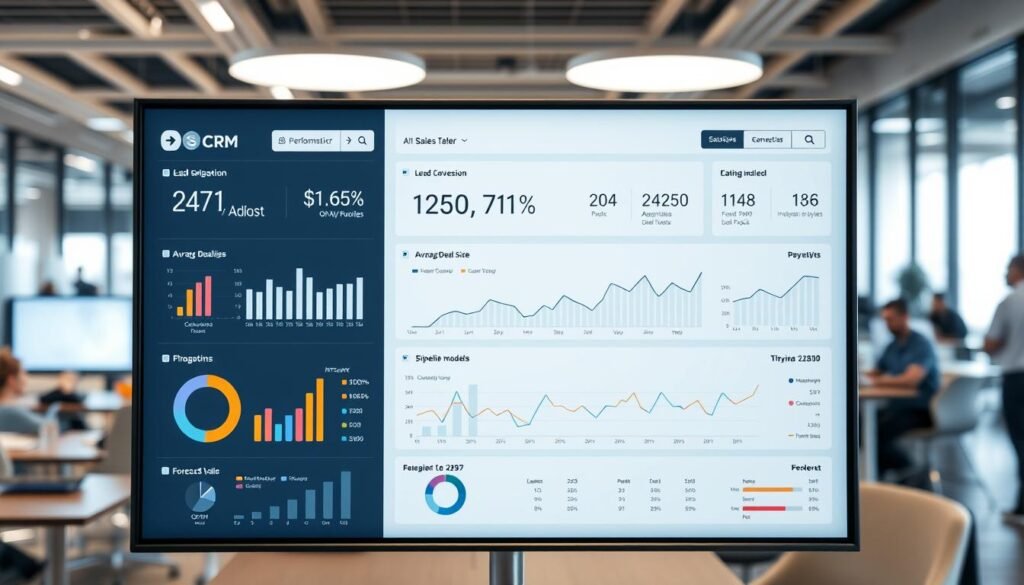
Understanding the right metrics is essential for businesses aiming to optimize their sales processes through CRM analytics dashboards. These dashboards provide valuable insights into customer behavior, sales performance, and lead generation, enabling businesses to make informed decisions.
To get the most out of CRM analytics, businesses should focus on tracking key metrics that fall into three main categories: sales performance indicators, customer engagement metrics, and lead generation statistics.
Sales Performance Indicators
Sales performance indicators are crucial for evaluating the effectiveness of sales strategies. Key metrics include:
- Conversion rates
- Sales revenue
- Average deal size
- Sales cycle length
For more information on building effective analytics dashboards, you can visit this resource to learn about creating comprehensive dashboards that track these metrics.
| Metric | Description | Importance |
|---|---|---|
| Conversion Rate | Percentage of leads converted into sales | High |
| Sales Revenue | Total revenue generated from sales | High |
| Average Deal Size | Average value of each sale | Medium |
Customer Engagement Metrics
Customer engagement metrics help businesses understand how customers interact with their brand. Important metrics include:
- Email open rates
- Social media engagement
- Customer retention rates
“Customer engagement is the backbone of any successful business. By tracking the right metrics, businesses can foster stronger relationships with their customers.”
Lead Generation Statistics
Lead generation statistics are vital for assessing the effectiveness of marketing campaigns. Key metrics include:
- Number of new leads
- Lead source analysis
- Lead conversion rates
By focusing on these metrics, businesses can optimize their CRM analytics dashboards to drive better sales performance and customer engagement.
Integrating CRM Dashboards with Other Tools
To maximize the potential of CRM analytics, businesses must integrate their dashboards with other key tools. This integration enables companies to gain a comprehensive understanding of their customer data, facilitating more informed decision-making.
Marketing Automation Software
Integrating CRM dashboards with marketing automation software allows businesses to align their sales and marketing efforts more effectively. By doing so, companies can track the performance of marketing campaigns in real-time, adjust strategies accordingly, and ultimately drive more sales. For instance, businesses can use Salesforce CRM analytics integration to synchronize their CRM data with marketing automation tools, enhancing their overall marketing efficiency.
Customer Support Platforms
Combining CRM dashboards with customer support platforms provides a unified view of customer interactions, from initial contact through to post-sales support. This integration helps businesses identify areas for improvement in their customer service, enabling them to refine their support strategies and enhance customer satisfaction.
Data Analytics Tools
Integrating CRM dashboards with data analytics tools further enriches the insights businesses can derive from their customer data. By leveraging advanced data visualization capabilities, companies can uncover trends and patterns that might otherwise remain hidden, informing strategic decisions that drive business growth.
By integrating CRM dashboards with these and other tools, businesses can create a powerful ecosystem that supports data-driven decision-making across the organization. This holistic approach to CRM analytics not only enhances operational efficiency but also fosters a deeper understanding of customer needs and preferences.
Best Practices for Using CRM Analytics Dashboards
Effective use of CRM analytics dashboards requires a combination of regular data updates, comprehensive training, and clear goal-setting. By implementing these best practices, businesses can maximize the potential of their CRM analytics dashboards and drive informed decision-making.
Regularly Updating Data
One of the most critical best practices for using CRM analytics dashboards is to regularly update the data. Outdated information can lead to misinformed decisions, which can negatively impact sales and customer satisfaction. To avoid this, businesses should establish a routine for updating their data, whether it’s daily, weekly, or monthly, depending on the nature of their operations.
Regular data updates also enable businesses to track changes in customer behavior and sales trends over time. This allows them to adjust their strategies accordingly and stay competitive in the market. By leveraging the most current data, businesses can respond quickly to emerging opportunities and challenges.
Training Team Members
Another crucial best practice is to provide comprehensive training to team members who will be using the CRM analytics dashboards. This ensures that they understand how to interpret the data and make informed decisions based on the insights provided. Training should cover the key features and functionality of the dashboards, as well as best practices for data analysis.
By investing in team training, businesses can empower their employees to make data-driven decisions and drive sales growth. Well-trained teams are more likely to use the CRM analytics dashboards effectively, leading to improved sales efficiency and customer satisfaction.
Setting Performance Goals
Setting clear performance goals is also essential for maximizing the effectiveness of CRM analytics dashboards. By establishing specific, measurable objectives, businesses can focus their efforts on achieving tangible results. Performance goals should be aligned with the insights provided by the dashboards, ensuring that teams are working towards common objectives.
Regularly reviewing and adjusting performance goals is also important. As market conditions and customer needs evolve, businesses must adapt their strategies to stay on track. By continuously monitoring progress and making adjustments as needed, businesses can achieve sustained success.
Case Studies: Success Stories with Dashboards
The power of CRM analytics dashboards is evident in the success stories of various businesses. By leveraging these tools, companies have been able to significantly enhance their sales strategies and customer engagement efforts.
Company A: Boosting Sales Efficiency
Company A, a leading provider of software solutions, implemented CRM analytics dashboards to streamline their sales process. By utilizing data visualization tools, they were able to track key performance indicators and make data-driven decisions.
The results were impressive: Company A saw a 25% increase in sales efficiency within the first quarter of using the dashboards. This improvement was largely due to their ability to analyze customer data and tailor their sales approach accordingly.
Company B: Enhancing Customer Experience
Company B, a prominent e-commerce retailer, focused on enhancing customer experience through the use of CRM analytics dashboards. By analyzing customer data analysis metrics, they gained valuable insights into customer behavior and preferences.
This enabled them to personalize their marketing efforts and improve customer satisfaction. As a result, Company B achieved a 30% increase in customer retention and saw a significant boost in overall customer loyalty.
| Company | Primary Use of CRM Dashboards | Key Outcome |
|---|---|---|
| Company A | Sales Efficiency | 25% Increase in Sales Efficiency |
| Company B | Customer Experience | 30% Increase in Customer Retention |
These case studies demonstrate the versatility and effectiveness of CRM analytics dashboards in driving business success. By leveraging data visualization tools and customer data analysis, businesses can achieve significant improvements in sales efficiency and customer experience.
Future Trends in CRM Analytics Dashboards
The future of CRM analytics dashboards is being shaped by emerging technologies that promise to revolutionize business intelligence software. As we move forward, AI and machine learning integration are expected to play a significant role in enhancing the capabilities of CRM analytics dashboards.
Advancements in AI and Machine Learning
AI and machine learning will enable businesses to gain deeper insights into customer behavior, automating routine analysis and providing real-time reporting. This will allow companies to make data-driven decisions more efficiently.
Predictive Analytics and Mobile Accessibility
Predictive analytics advancements will also be a key trend, enabling businesses to forecast customer behavior and preferences. Furthermore, increased mobile accessibility will ensure that CRM analytics dashboards are accessible on-the-go, providing instant insights and context-rich summaries.
To stay ahead of the curve, businesses should consider investing in CRM analytics dashboards that incorporate these emerging trends. For more information on real-time CRM analytics, visit Trootech’s guide on real-time CRM analytics.
Leave a Reply